
Image Freezing
Common cause: Usually caused by weak Wi-Fi, busy home internet, device limits or peak-hour load.
What to try: Restart the app, test wired internet if possible, close other apps and contact support with your device name.
Troubleshooting
Most setup and viewing issues come from device settings, internet quality, app setup or payment checks. Use these steps before contacting support.
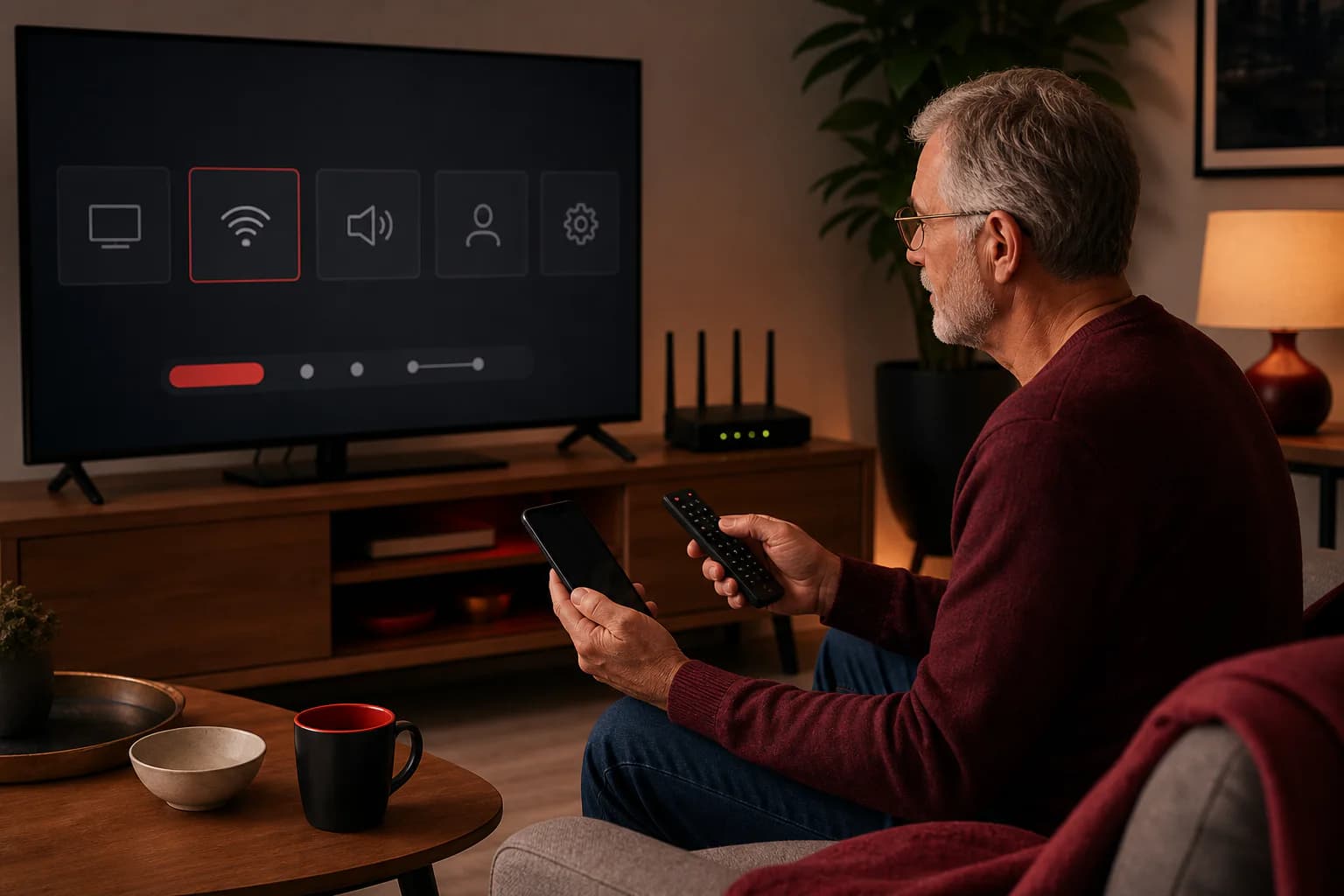
Common cause: Usually caused by weak Wi-Fi, busy home internet, device limits or peak-hour load.
What to try: Restart the app, test wired internet if possible, close other apps and contact support with your device name.
Common cause: Details may be typed incorrectly or activation may still be pending.
What to try: Send your order name and device type to support so the setup can be checked.
Common cause: The app, stream source or device may be using a different audio track.
What to try: Open audio settings in your player app and ask support for device-specific guidance.
Common cause: Banks, card checks, regional limits or incorrect details can block payment.
What to try: Contact support for the current secure payment options and do not retry repeatedly.
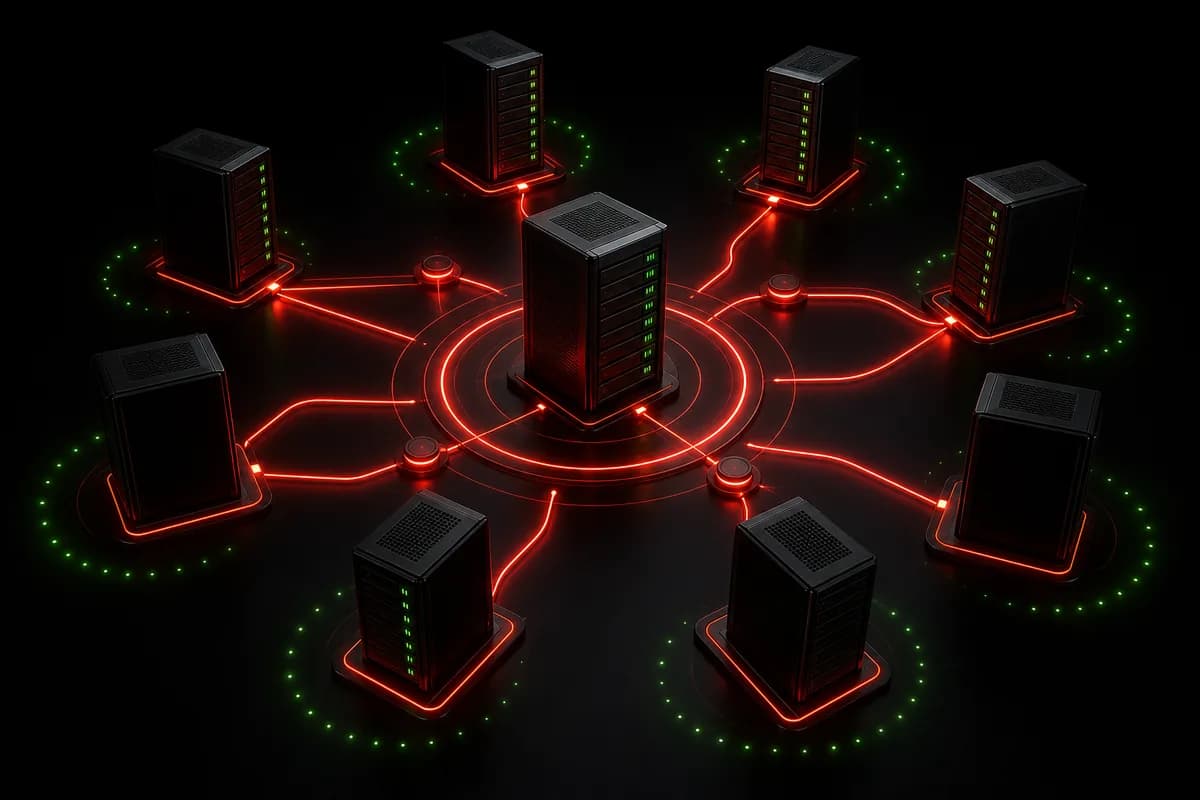
Many problems come from overloaded systems and unclear support. booklair focuses on clearer setup and better load distribution.
Flexible plans
From $14.99