
1
Choose a Package
Compare Premium and VIP, then choose the duration and device count.
Compare Premium and VIP, then choose the duration and device count.
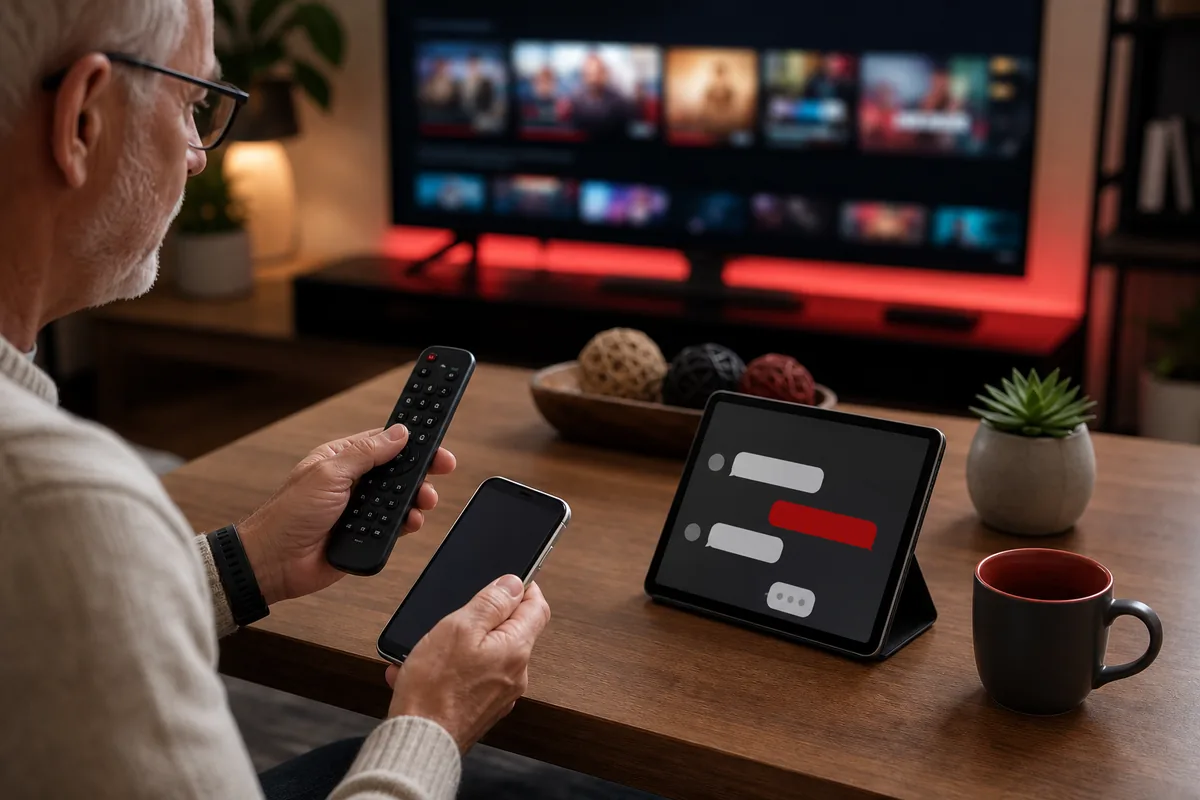
Tell support whether you use Smart TV, Android TV, Fire TV, phone, tablet or computer.
After confirmation, support shares setup guidance for your device or app.
Follow the guide, test your setup and contact support if anything is unclear.
Choose a package and send the device type you want to use.
Support shares simple instructions for your Smart TV, Android TV, Fire TV, phone or tablet.
Once activated, follow the guide and contact support if you need help.
Flexible plans
From $14.99